 Priegnitz
Automated trading with MetaTrader 5 – on your own computer.
PriegnitzPy connects to your MetaTrader 5 account and trades by fixed, tested rules – with backtests on your broker's real price data, all costs included, and an emergency stop for prop-firm limits. You decide what runs.
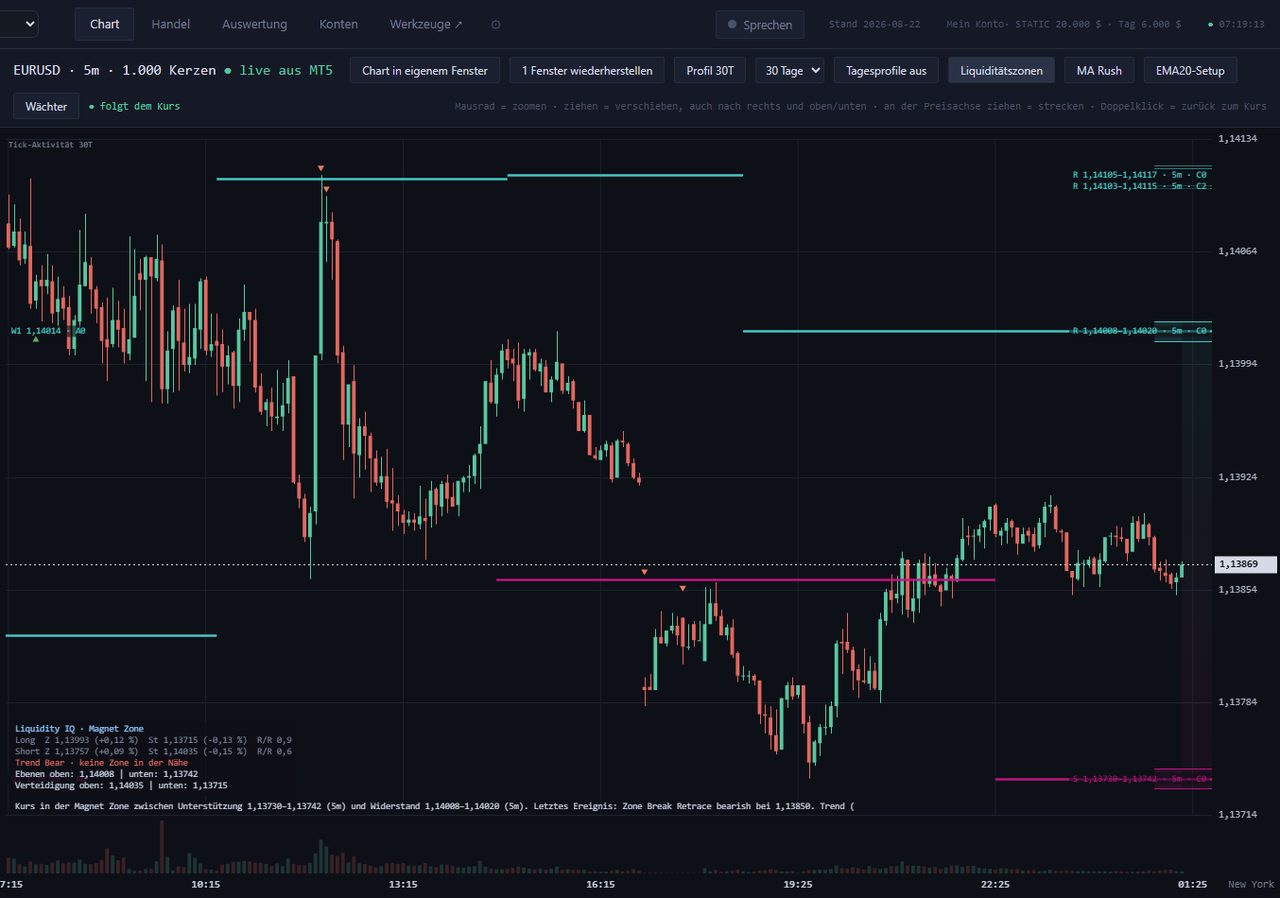
What the program does
Ready-made strategies
More than 30 strategies – breakouts, pullbacks, daily rules, order flow – configurable per instrument for indices, forex, metals and crypto.
Backtests with real ticks
Tested tick by tick with your broker's data. Spread, commission, slippage and swap are included.
Prop-firm protection
Daily and total loss are checked continuously. When a limit is reached, the emergency stop closes all positions. Price gaps can still cause larger losses.
Portfolios & prop simulator
Combine strategies into a portfolio, test them together and check them against your prop firm's rules before real money is at stake.
Paper trading
Run any strategy without real money first – with real prices, in the same interface.
Multiple accounts
Several MetaTrader 5 accounts at once, each with its own strategies, limits and bookkeeping.
How it works
The program runs on your machine. We have no access to your account and do not trade for you.
- Buy a licence. Payment via Stripe. Licence key and download link arrive by e-mail.
- Install. Unzip, double-click "EINRICHTUNG.bat" – Python and all packages are set up automatically.
- Connect your account. Install and log in to MetaTrader 5 of your broker or prop firm, select it in the program.
- Test first, then decide. Review backtests and paper trading. Only what you switch on is traded with real money.
Price
- all strategies, tools and updates during the term
- use on your own Windows PC or Windows server
- renews annually, cancel at the end of the term
By purchasing you accept the terms and licence agreement, the risk warning and the withdrawal information (German, legally binding).
Frequently asked questions
Do you have access to my account?
No. The program runs on your computer and only connects to your own MetaTrader. No account data is sent to us.
Is the program available in English?
The interface and manuals are currently German. The workflow is straightforward, but please consider this before buying.
Which brokers work?
All brokers and prop firms offering MetaTrader 5 on Windows. The program reads symbols, tick sizes and minimum lots from your broker.
How do I cancel?
Via "Cancel contract" at the bottom of every page or the customer portal linked in your purchase e-mail. The licence stays valid until the end of the paid term.